For any situation
Universal
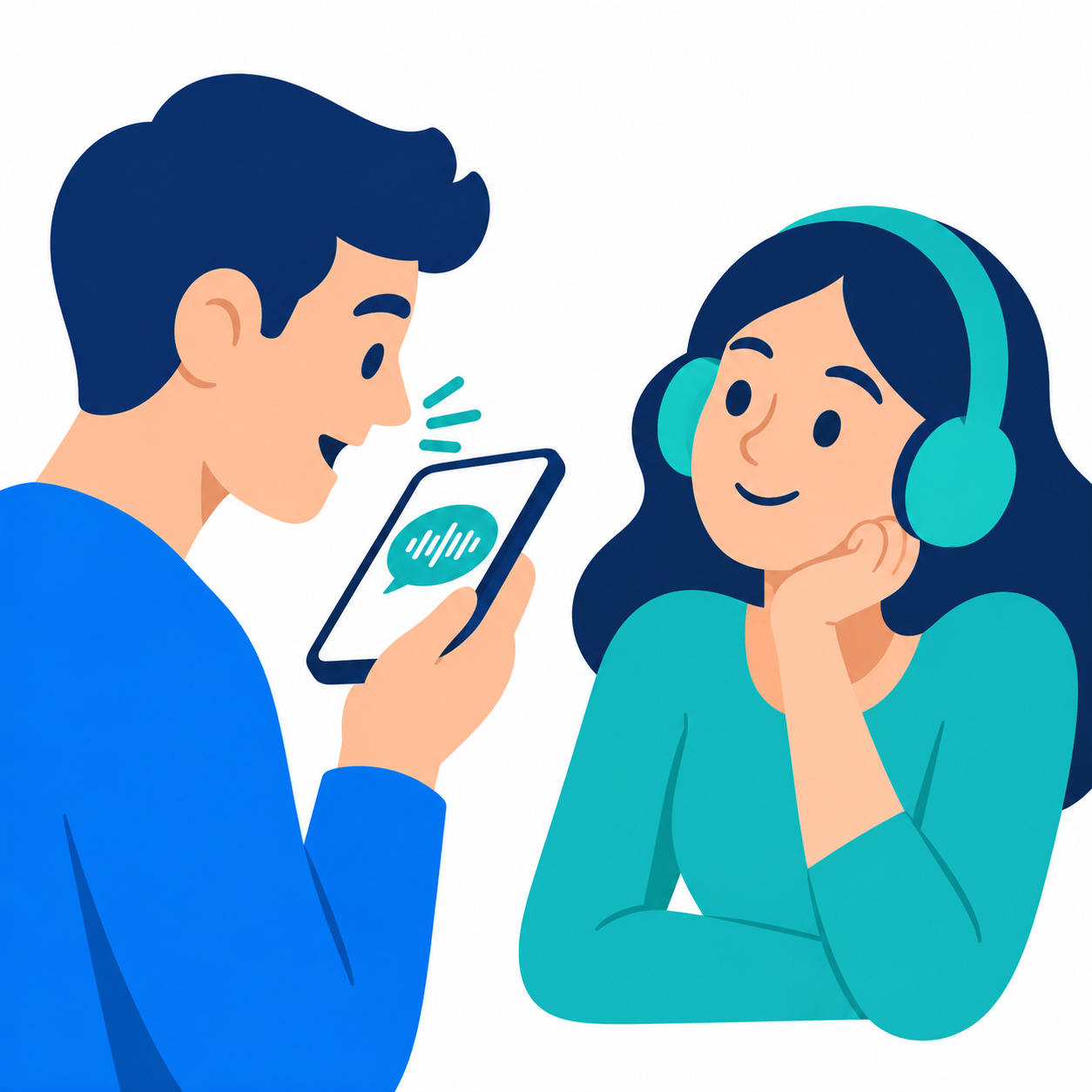
A fit for any conversation: the other person speaks into your phone, you hear the translation in your headphones and tap “Speak” to reply.
The other person speaks into your phone — you hear the translation in your headphones. You reply in your own language — they hear theirs.
Coming to the App Store Dialogo Translator for iPhone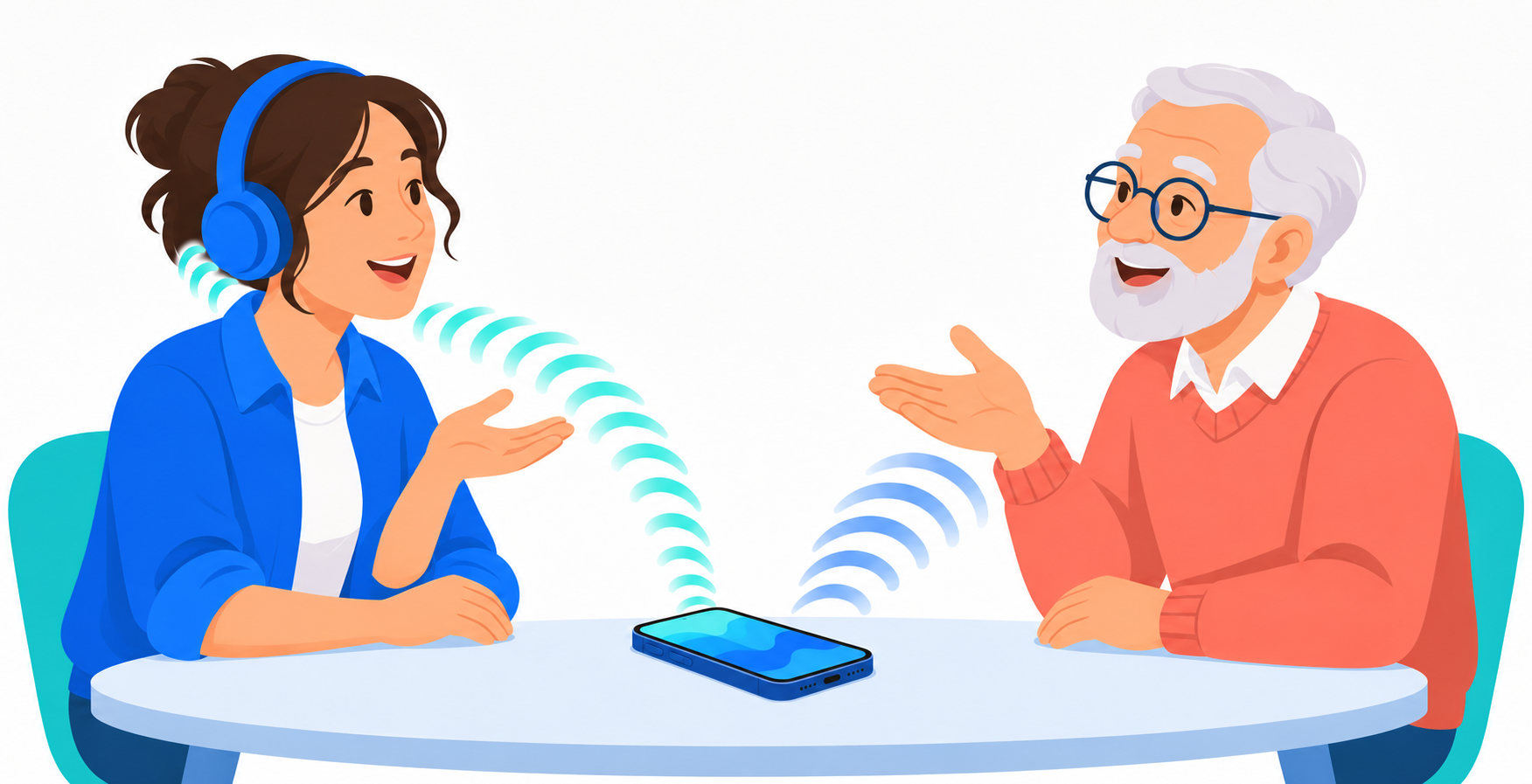
Just start talking
You have the conversation. Dialogo translates.
The other person speaks into your phone. Keep your iPhone close to them so it can hear their voice clearly.
The translation plays in your headphones after about a second. Listen and stay in the conversation.
Tap “Speak” and reply. Your phone speaks the translation aloud in the other person’s language.
At your own pace
Choose the way you prefer to hear each other.
A fit for any conversation: the other person speaks into your phone, you hear the translation in your headphones and tap “Speak” to reply.
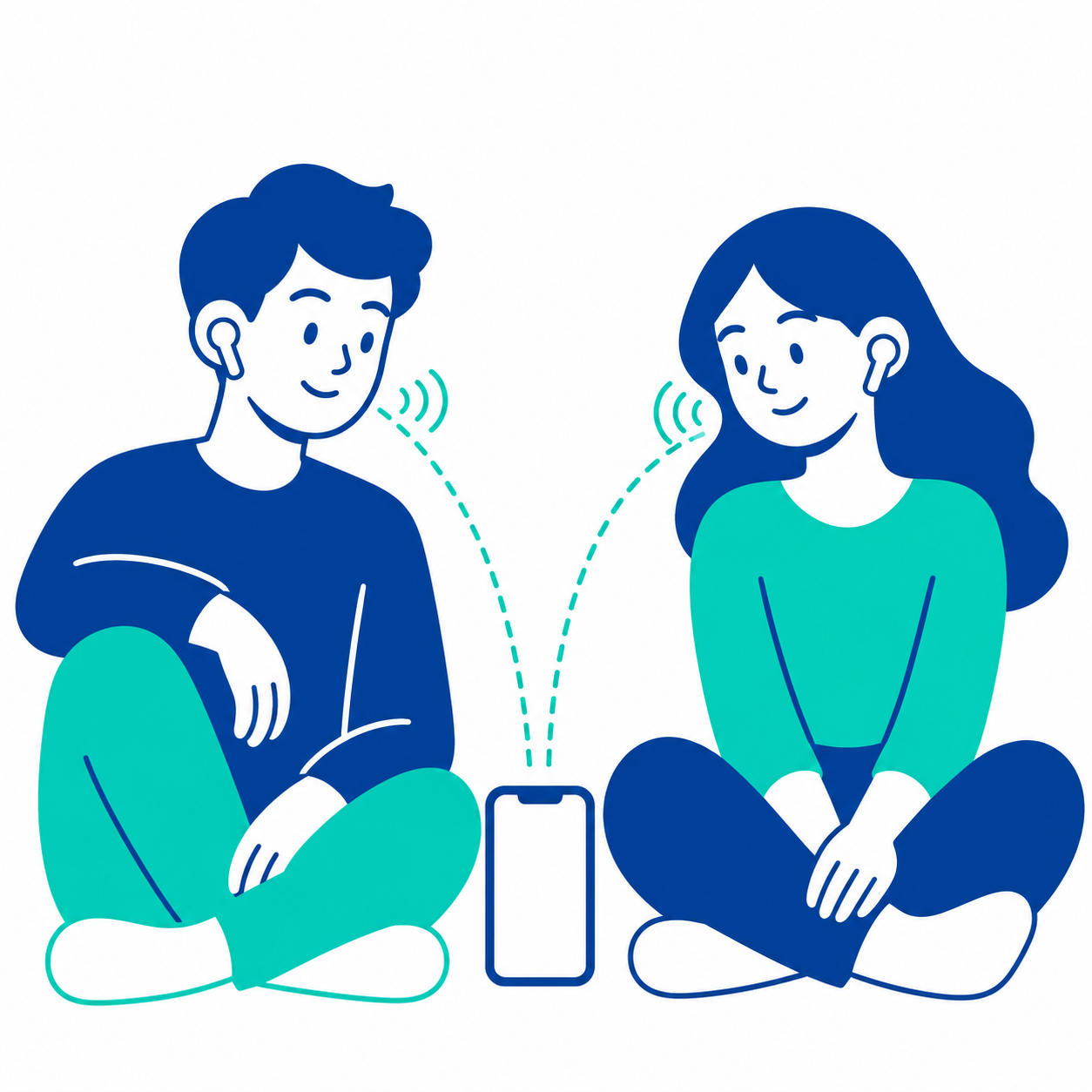
Share a pair of earbuds. Talk without pressing buttons — each person hears the translation in their own language through their earbud.
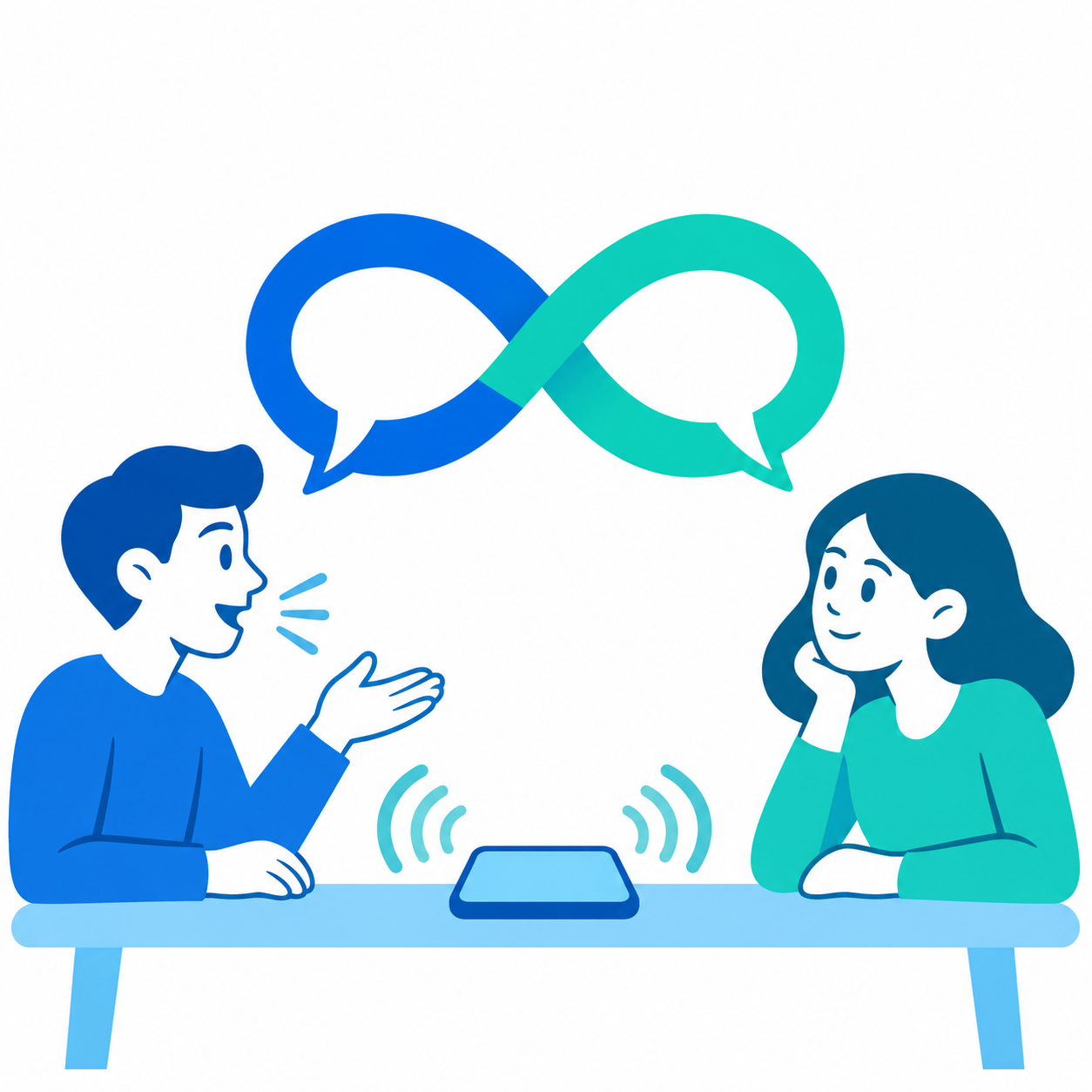
Place your phone between you and take turns speaking. Dialogo translates aloud, leaving your hands free.
The right words, in context
Your topic guides the model’s terminology and tone.
Closer to each other
Any pair, in both directions.
For quick meetings and long conversations
Find the plan that fits the way you talk.
per minute
€9.99 / €19.99 / €29.99
per month
≈ 950 minutes of conversation every month
one-time payment
Unlimited access, forever
API usage is billed separately by OpenAI.
Payments are processed through the App Store. Your subscription renews automatically unless you cancel in your Apple ID settings at least 24 hours before the end of the current period.
Translations are generated by an OpenAI model — always double-check exact numbers, dosages and contract terms.
No. Without headphones, the translation plays through your phone’s speaker. Headphones make it more convenient: you can keep the phone closer to the other person while you hear the translation.
From €0.06 in “Economy” mode. Continuous speech costs more; a typical conversation with pauses costs about half as much.
Your voice is sent to OpenAI only while translation is active and is never stored on our servers. Conversation history stays on your phone. Read our Privacy Policy for details.
Tap your balance at the top of the home screen and choose a pack. Payment is processed through the App Store.
Open Settings → About. You’ll find your user number there — it helps us locate your account when you contact support.